
HappyFleet Chat is built-in messaging inside your Applicant Tracking System (ATS) that attaches every conversation to the hiring work it belongs to, so messages, files, and history live on the candidate’s application instead of in a recruiter’s personal email or phone. Candidates reply from their portal, teammates can be pulled into a thread, and the full record stays with the application after the hire. HappyFleet’s Chat adds two things that matter at volume: a “Needs response” view that shows exactly which candidates are waiting on your team, and staff-only team chats where colleagues can discuss a candidate without the candidate ever seeing it. For organizations hiring across many locations, that means candidate communication stops depending on whichever manager’s phone the conversation happened to land on.
Why does it matter where candidate conversations happen?
It matters because a conversation that lives in a personal inbox or on a manager’s phone is invisible to everyone else on the team, disappears when that person is out, and can’t be reviewed later. When the conversation lives on the application, anyone with access can see it, pick it up, and refer back to it.
The failure mode is familiar to any multi-site employer. A candidate texts a store manager to confirm availability; the manager is off for two days; the candidate hears nothing and takes another job. Or a recruiter leaves the company, and six months of candidate conversations leave with them. HappyFleet keeps the full conversation on the platform, so the record of what was said with a candidate doesn’t depend on anyone’s personal inbox or device, and messages arrive in real time on both sides. The broader argument for text-first, two-way candidate communication is laid out in how an ATS handles candidate communication and interview scheduling.
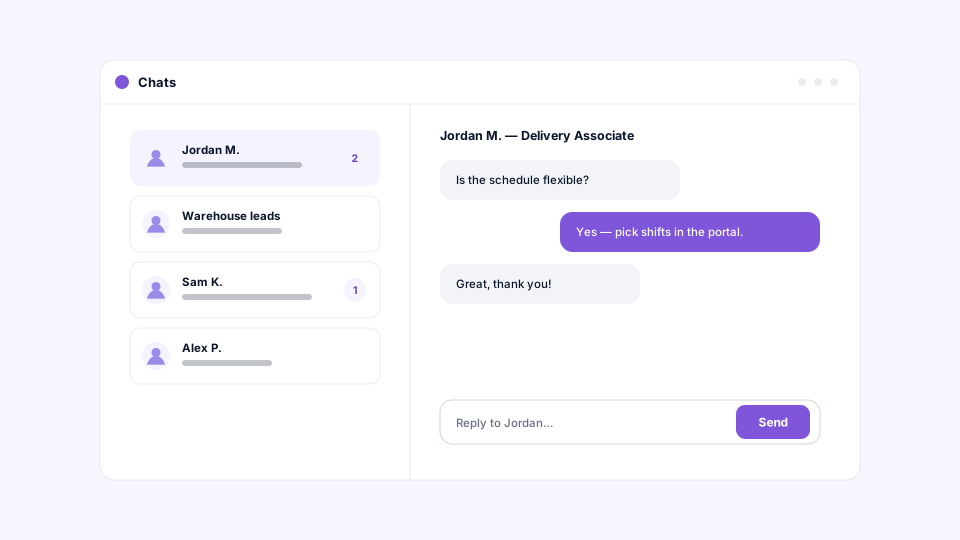
How does a recruiter know which candidates are waiting on a reply?
HappyFleet’s inbox has a “Needs response” view that narrows the list to candidates who messaged last and haven’t heard back from your team, along with a count you can see before you even open the inbox. Unread indicators mark threads with messages you haven’t seen.
This is the feature that changes behavior. Response time is one of the strongest predictors of whether a frontline candidate stays engaged, and the reason teams are slow isn’t usually indifference; it’s that the question got buried under thirty other messages. A single view of “who’s waiting on us” turns responsiveness into something a team can manage rather than hope for, and it’s the kind of measure hiring leaders increasingly want to track, as covered in what analytics and reporting an ATS should give hiring leaders. Internal team conversations never inflate the count; the number is always about candidates.
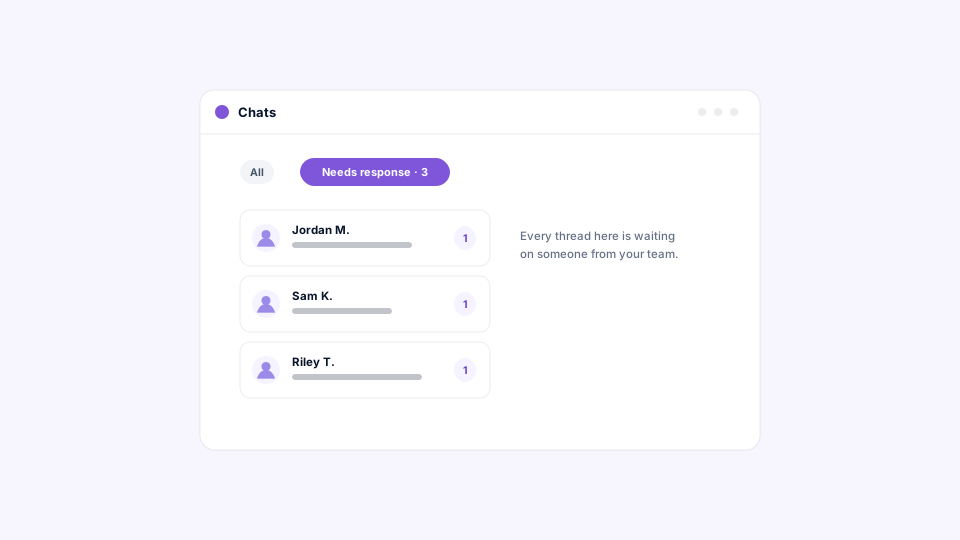
How do you message a candidate, and what do they see?
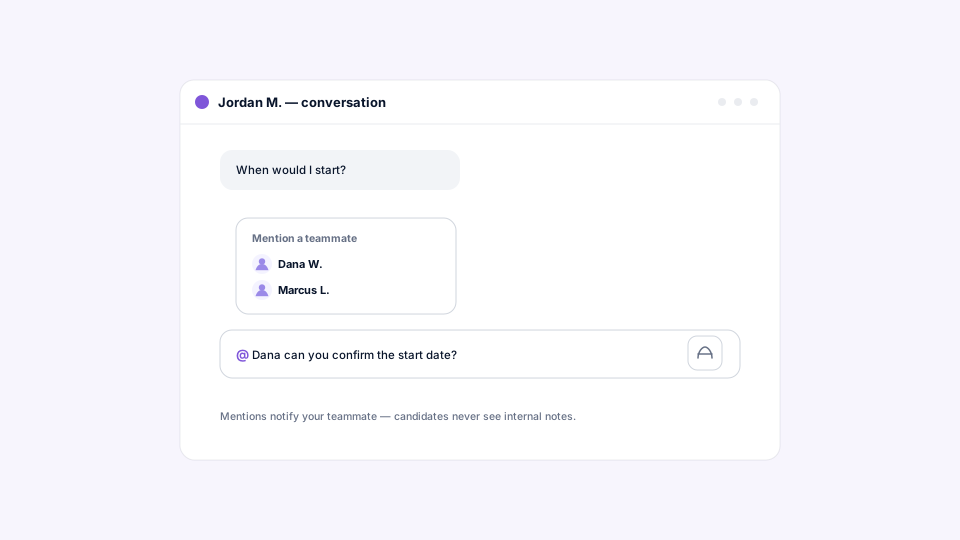
Every application has its own chat thread. Open the application, start typing, and the candidate sees the message in their portal and replies from there; there’s nothing to set up. Both sides can share files, and you can bring teammates into the thread or mention them to pull the right person in.
Adding colleagues is what makes a candidate thread a team resource rather than a private line. A recruiter can loop in the hiring manager for a question about shift patterns, and the manager can answer in the same thread the candidate is already reading. Mentions do the lighter version of that, flagging a specific message for a specific person. Privacy is built in: candidates see your team members by first name rather than full name, and candidates only ever see the conversation on their own application.
How does chat keep candidates responsive when they aren’t in the portal?
When your team messages a candidate who isn’t in the portal, HappyFleet lets them know by email or text so they know to check, and it stays quiet when the candidate has already seen the message.
That second half is the considerate part. Reminders that fire regardless of whether someone is paying attention train people to ignore them; a nudge that only goes out when it’s needed keeps the signal meaningful. Combined with stage-level notifications for entry and inactivity, and meeting reminders from the Scheduling stage, chat nudges close the last gap: a specific, human question from your team that shouldn’t sit unread for a day.
What are team chats, and why keep them separate from candidate threads?
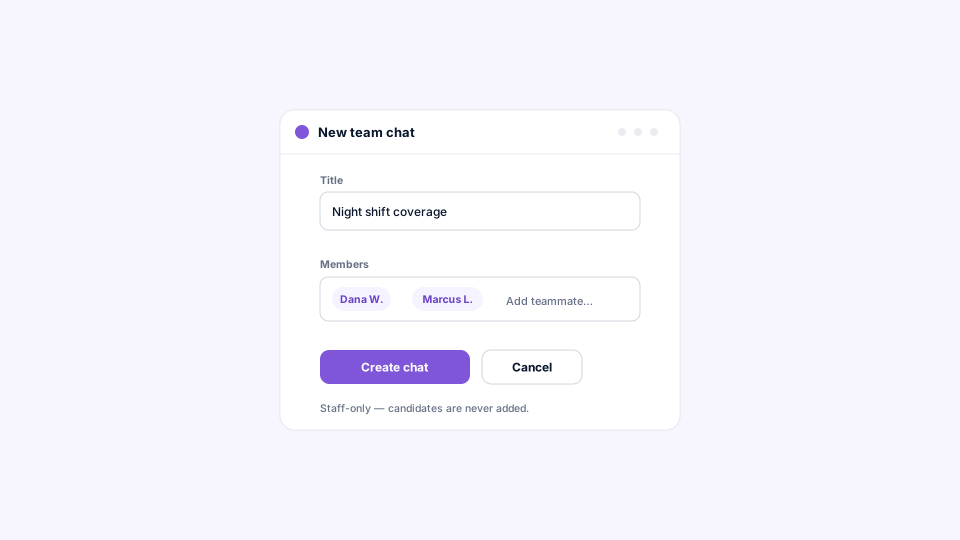
Team chats are staff-only conversations for coordinating on a candidate or on hiring generally. Candidates are never included and never notified, so your team can discuss a screening result, compare notes on an interview, or debate an offer with no risk of the candidate seeing it.
Create a thread, give it a title, add the people who should be in it, and adjust membership as the conversation evolves; mentions and file sharing work exactly as they do in candidate chats. The value is having that discussion next to the candidate’s record rather than in a separate messaging app where the context has to be re-explained. A regional manager can open a team chat about a strong applicant at a struggling site, pull in the local hiring manager and the recruiter, and resolve the question in one place. Keeping candidate-facing and internal conversations in separate thread types is also cleaner from a records standpoint, which connects to the audit trail themes in how an ATS supports compliance, reporting, and audit trails.
How does a busy team keep the inbox organized?
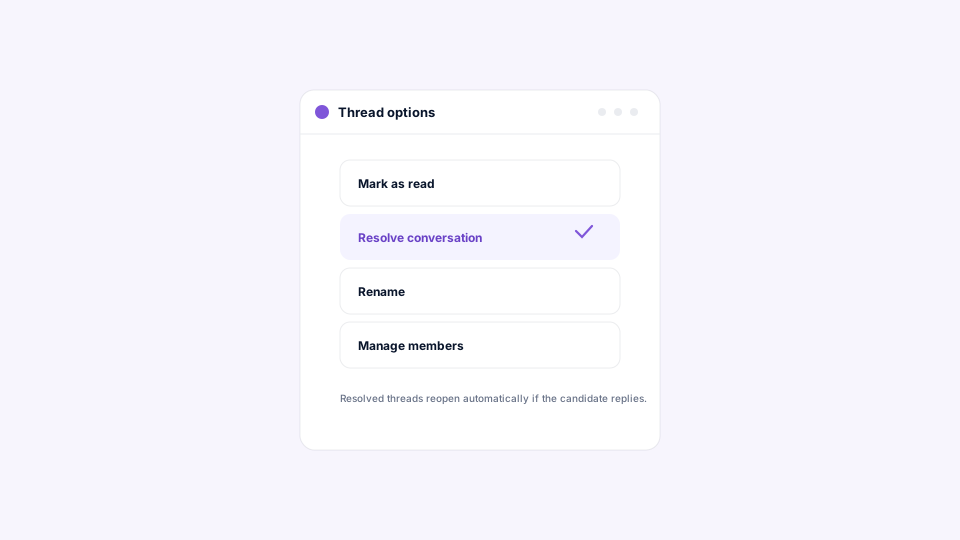
Mark a thread as read to clear its unread state, resolve it to take a handled conversation out of your “Needs response” view without losing the history, and rename team chats to keep them easy to find.
Resolve is the one worth building a habit around. When a candidate’s question has been answered and there’s nothing more to do, resolving the thread means the “Needs response” count reflects real work rather than finished work, so the number stays trustworthy. Everything remains readable; resolving signals “done,” not “deleted.”
What happens to chat history after the hire?
Chat history is always available. Once an application has run its course, its thread becomes a historical record: the full conversation, including shared files, is preserved and stays readable.
This matters more than it sounds for a large employer. Questions about what was communicated to a candidate, when, and by whom come up months after a hire or a rejection, and the answer shouldn’t depend on scrolling through someone’s phone. The archived thread is the record.
Where do email and personal texting fall short for candidate communication?
Email and personal texting fragment the record, hide response times, and make it impossible to see across the team who’s waiting on whom. They work for one recruiter and a handful of candidates, and they break at the first sign of scale.
A legacy ATS often adds a texting integration that sends messages out but keeps the replies somewhere else, or logs messages without any concept of “needs a response.” Neither gives a hiring leader the thing they actually need, which is confidence that every candidate who asked a question got an answer quickly, at every location, regardless of who was on shift. Built-in chat, tied to the application and sitting next to screening results, scheduling, and documents, makes the conversation part of the hiring record instead of an afterthought. The difference between connected and bolted-on tools is the subject of AI Recruiter vs. traditional ATS: what’s the difference?
Every candidate conversation, on the record, with nobody left waiting
HappyFleet is one platform with two connected AI products: the AI Recruiter, which conducts automated phone-screening interviews with every applicant in more than 10 languages, 24 hours a day, and produces a scored summary of fit and eligibility, and the AI ATS, which chats with candidates over text, books interviews through its own built-in scheduler, and captures candidate data automatically at every pipeline stage. Chat is where the human conversation happens alongside all of that automation, on the same application record, with a clear view of who’s waiting. LaRae, an HR administrator at Express Package, an Amazon Delivery Service Partner, saw candidate engagement rise from around 30 percent to 80 percent after moving candidate communication onto HappyFleet, as described in her case study.