
HappyFleet handles employer branding inside your Applicant Tracking System (ATS) by letting each brand carry its own public identity, name, color, and logo, on the pages candidates see when they apply, and by giving each brand a careers page that lists its open jobs. For companies that run several brands under one umbrella, HappyFleet adds a parent brand layer: group brands under a parent, and the parent’s careers page shows every open job across all of them in one combined listing, while each brand keeps its own look on its own jobs. Brands are set up right inside the job workflow and reused across as many jobs as you like. For a franchise group, a delivery operator running multiple entities, or a hospitality company with several concepts, that means one careers destination for candidates and consistent branding at every site, with no web developer involved.
Why does employer branding matter for frontline hiring?
It matters because frontline candidates decide whether to finish an application in seconds, and a job page that looks like the company they know, with the right name, color, and logo, reads as real and worth their time. A generic, unbranded form reads as a lead-generation trap, and candidates bounce.
Large employers understand this for their corporate careers site, then lose it at the job level, where postings get syndicated to boards and applications come back through pages that look nothing like the brand. In HappyFleet, the brand attached to a job controls what candidates see when they land on that job, so a candidate applying to “Sunrise Logistics” sees Sunrise Logistics, not a platform logo. That consistency is part of the candidate experience that keeps people in the funnel, a topic explored in how an ATS handles candidate communication and interview scheduling.
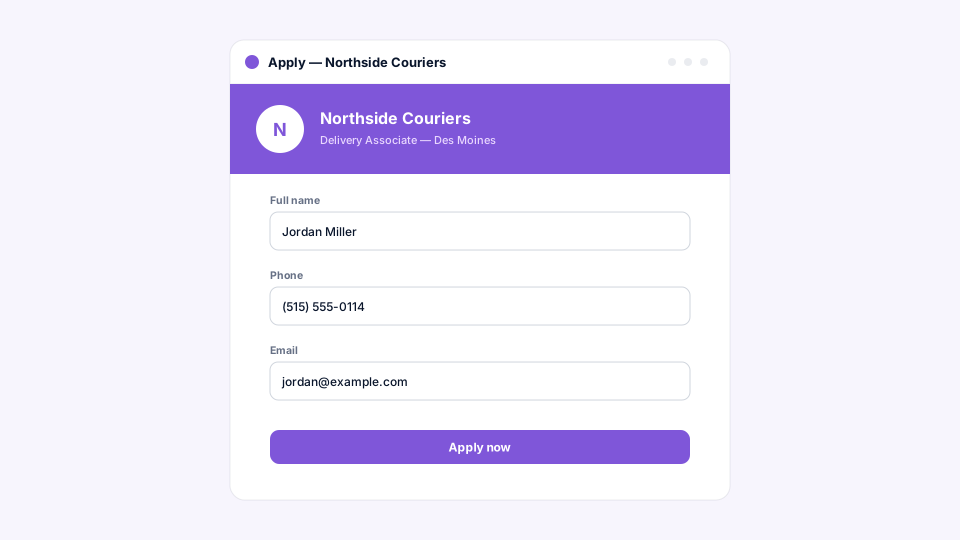
What does a brand control in the ATS?
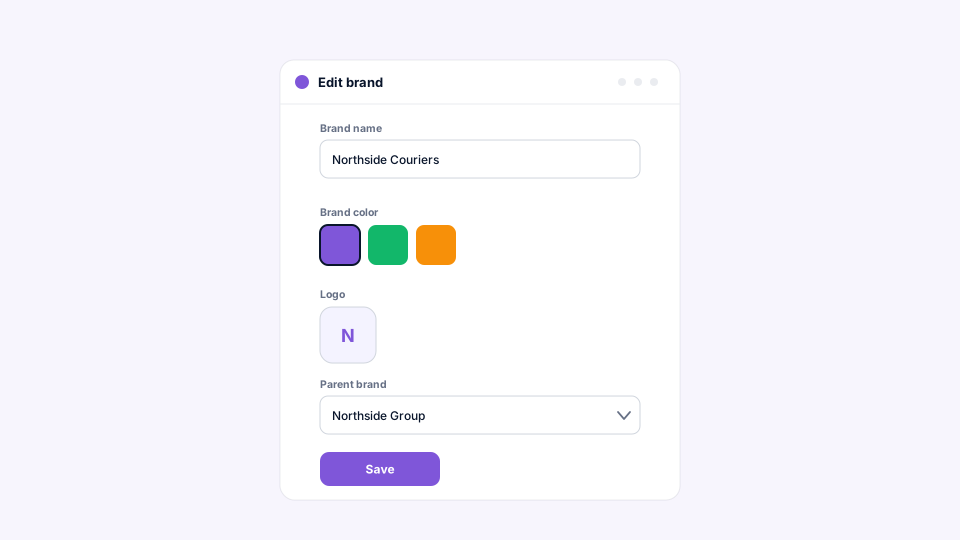
In HappyFleet, a brand carries the name, color, and logo candidates see on the public apply and careers pages. The brand you choose for a job determines how that job looks to candidates and which careers page it appears on.
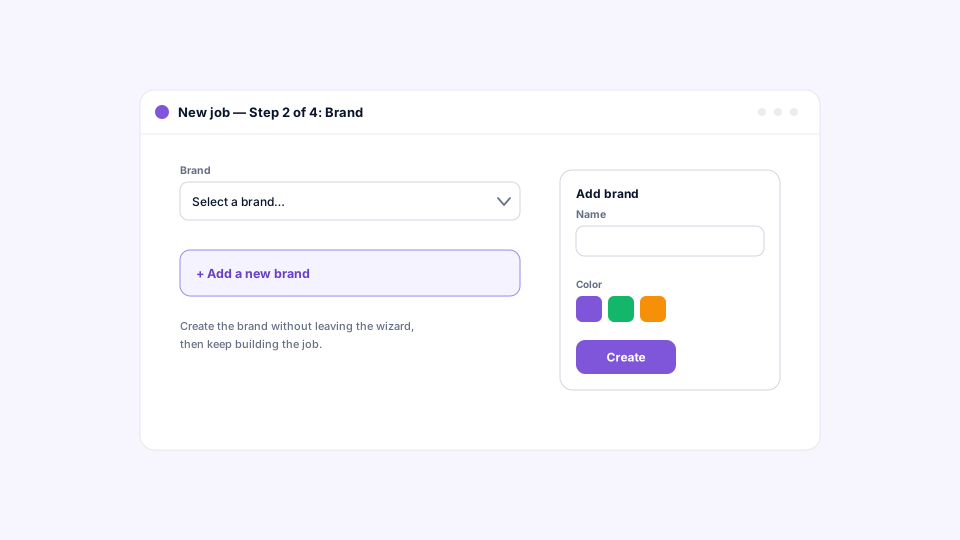
Brands are created and edited right where you need them, in the job’s Details step, so there’s no separate admin area to maintain. Create a brand once and it’s available for every future job. Because every job belongs to one brand, there’s never a question of which identity a candidate will see. For a franchise operator onboarding a new location under an existing brand, the work is choosing the brand from a list, not rebuilding a page.
What is a careers page, and how do candidates find it?
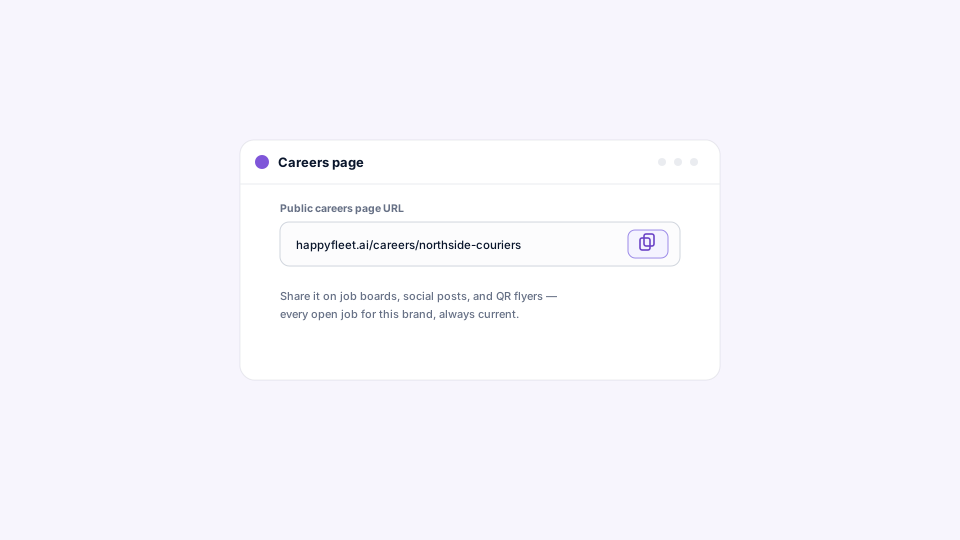
Every brand has a careers page: a public page listing that brand’s open jobs. Its link is available from the brand’s settings with one click to copy, so you can share it anywhere you want candidates to browse, from a QR code on a job fair flyer to a link in a store window or a social post.
A careers page is the answer to “where do I see all your openings?” without asking a candidate to search a job board. For a multi-location employer, it also means a single shareable link per brand that stays current as jobs open and close, since the page reflects the brand’s live jobs. Nothing to update by hand, nothing to expire.
How do parent brands combine multiple brands into one careers page?
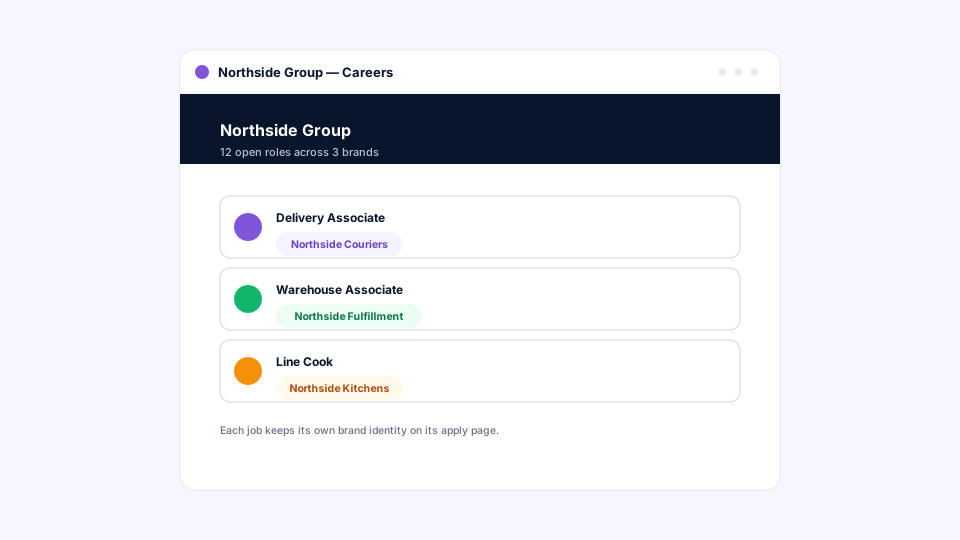
Give several brands a shared parent brand, and the parent’s careers page shows every open job across the parent and all of its brands in one combined listing. Each brand keeps its own name, color, and logo on its own jobs and apply pages; the parent relationship only changes how jobs are grouped on the careers page.
This is built for the way large frontline employers are actually structured. An Amazon Delivery Service Partner might run three separate entities across a region; a restaurant group might operate several concepts; a staffing firm might hire under multiple client-facing brands. Candidates don’t care about the corporate structure; they want to see every job they could apply to. A parent brand gives them that view while letting each business keep the identity its customers and employees recognize, and whichever brand’s careers link a candidate follows, they arrive at the full combined listing. The same brand details carry through to offer letters in the Signature / Form Fill stage.
Why is brand grouping kept simple?
Brand grouping is intentionally simple, a parent and the brands under it rather than a deep hierarchy, so there’s always one top brand per group and the careers page always has a clear destination.
That simplicity is a feature. Picture the alternative: a candidate following a link that bounces up a chain of holding companies, or a careers page that has to decide which of several ancestors to show. One level keeps the model easy to explain to a regional manager and predictable for candidates. It’s the same philosophy that shapes how an ATS manages hiring across multiple locations, brands, or business units: centralize what should be shared, keep local identity local, and keep the structure simple enough that it never surprises anyone.
How do you set up a brand in practice?
Start creating a job or edit an existing one, open the Details step, and add a brand: set the name and color, optionally upload a logo, optionally choose a parent brand, and save. The brand is now available for this job and any future job.
To share the careers page, open the brand and copy its link. Editing works the same way, from any job that uses the brand. The whole setup takes about as long as reading this section, which is the point: employer branding at the job level shouldn’t require a ticket to IT or a marketing project. It should be a field on the job.
Where do legacy ATS careers pages fall short for multi-brand employers?
Legacy ATS careers pages are usually one page per company, built once and rarely updated, with little ability to show different brands differently or combine them on demand. Multi-brand employers end up with either a single generic page that represents nobody or a separate site per brand that nobody maintains.
The consequence is a candidate experience that’s inconsistent by location and a careers presence that drifts out of date. A brand model with parent grouping solves both: identity is set per brand and applied automatically to every job, and the combined listing reflects live jobs rather than being maintained by hand. That’s the difference between a careers page as a marketing artifact and a careers page as part of the hiring system. For the broader feature checklist multi-location employers should be evaluating, see what features an ATS should include for high-volume, multi-location hiring.
One careers page for candidates, the right brand on every job
HappyFleet is one platform with two connected AI products: the AI Recruiter, which conducts automated phone-screening interviews with every applicant in more than 10 languages, 24 hours a day, and produces a scored summary of fit and eligibility, and the AI ATS, which chats with candidates over text, books interviews through its own built-in scheduler, and captures candidate data automatically at every pipeline stage. Brands and careers pages are the front door to that system: candidates land on a page that looks like the company they know, browse every open job across the group in one place, and step straight into a pipeline where the AI Recruiter screens them within minutes. Rafael Garcia, who built Gallo Logistics into a 35-route Amazon Delivery Service Partner operation in Florida, saw his second-round interview show rate rise from roughly 10 to 15 percent to 76 percent after automating screening with HappyFleet; his story shows what a consistent front door and automated screening do together.